RSS to Discord
Connect an RSS or Atom URL and automatically publish new entries to a chosen Discord channel.
Connect RSS feeds and supported websites to Discord, then control channels, keywords, summaries, translations, and role pings from one dashboard.
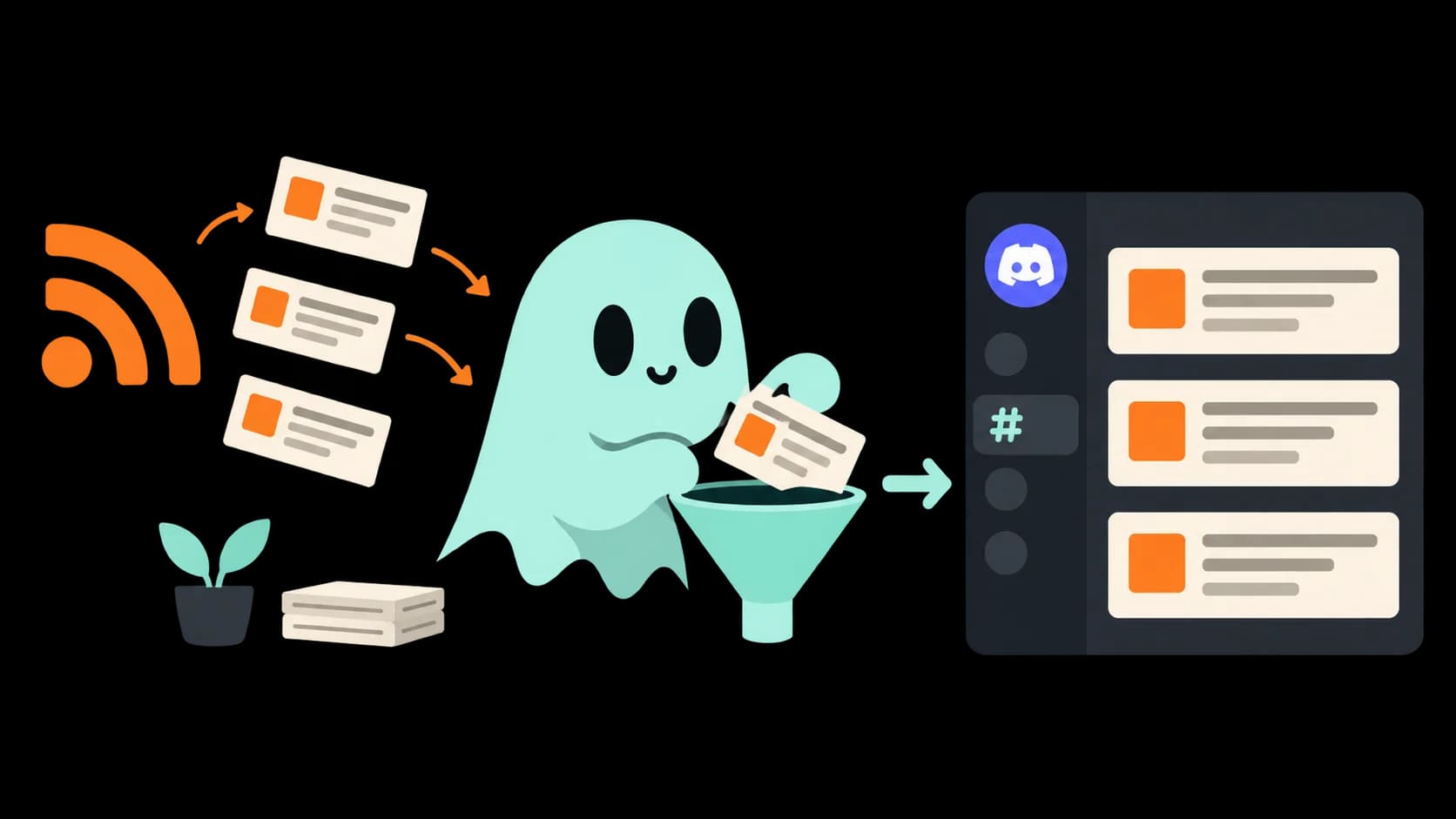
Choose exactly what reaches your server, where it appears, and who gets notified.
Connect an RSS or Atom URL and automatically publish new entries to a chosen Discord channel.
Turn supported public sites without a standard feed into monitored sources.
Match useful keywords and block unwanted terms before a post reaches members.
Condense long articles into quick takeaways that fit naturally into Discord.
Translate feed content for multilingual communities while preserving the original source.
Choose channel routing, role mentions, embed behavior, and available branding controls.
News.gg turns a noisy source into a useful post with its source, summary, context, and the controls your team selected.

Add an RSS, Atom, or supported public website URL in the dashboard.
Choose the channel, filters, summaries, translations, and optional role ping.
News.gg checks the source and posts new matching entries to Discord.
Let a feed handle recurring updates while moderators focus on the community.
Use include and exclude rules to prevent a broad source from flooding a channel.
Give blogs, announcements, videos, and publications their own destinations.
Summaries, source context, and clean embeds help members scan each update.
Invite News.gg, paste the RSS or Atom URL into the dashboard, choose a channel, and save the feed.
Yes. Include and exclude filters can narrow a feed before entries are posted to Discord.
News.gg includes a Website to RSS workflow for supported public websites.
AI summaries and translation options can be enabled where supported for the configured feed and plan.
 Ready when your community is
Invite News.gg, choose a source, and publish your first automated feed.
Add News.gg to Discord