How to Post VALORANT Patch Notes to Discord
Send official VALORANT patch notes to a Discord channel with News.gg. Set up a dedicated channel, add an optional role ping, and see a real patch example.
 News.gg Team
Set up a channel for official VALORANT patch notes so members can find balance changes and bug fixes without digging through general chat. News.gg can follow Riot Games’ VALORANT update source and link readers to the full notes.
Add VALORANT to your patch-notes feed
- Add News.gg to Discord and select a server you manage.
- In the server dashboard, open Patch Notes & Free Games, select Game Patch Notes, and click Add Game.
- Search for VALORANT and select the game. Choose a destination such as
#valorant-patches. - Confirm News.gg can post in the channel, then choose Save Game.

If players want notifications, choose a role under Ping Role. A dedicated VALORANT role lets interested players opt in without notifying the whole server. Check the role and channel permissions if the post appears without a ping.
What a patch post looks like
This preview uses Riot’s real 13.10 release, which added replay bookmarks and changed some Sentinel cooldowns. Select the headline to open the official update.

Riot added replay bookmarks, changed Sentinel ability cooldowns and updated Gauntlet: Glitched.
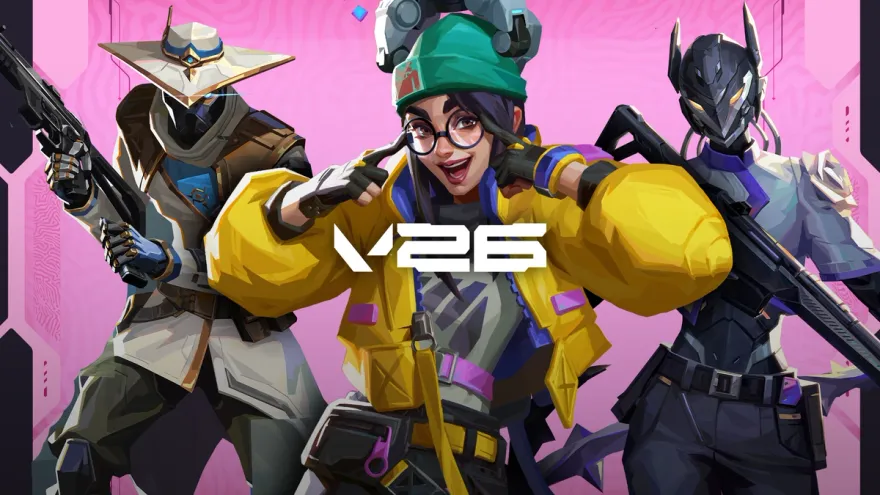
 News.gg Patch Notes Engine • VALORANT
Keep the channel useful between patches
If you run a multi-game server, route high-volume titles into separate channels or start with one shared #patch-notes channel and check the volume before splitting it. See the VALORANT Patch Notes Discord Bot for the invite and live example, or browse all supported patch-note sources.