Discord patch notes bot
Send game updates to your Discord server automatically. Choose a game, pick a channel, and give players a direct link to the publisher’s patch notes.

Riot added replay bookmarks, changed Sentinel ability cooldowns and updated Gauntlet: Glitched.
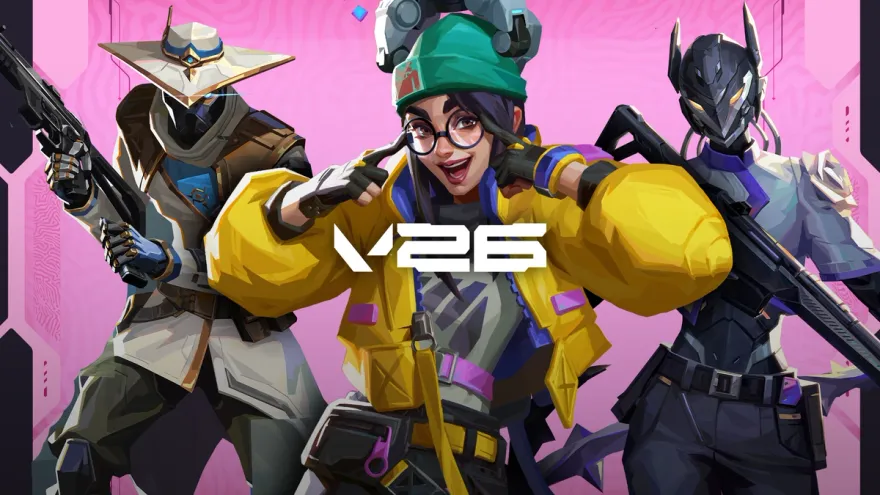
 News.gg Patch Notes Engine • VALORANT
Supported games and official sources
Start with one of these games, or search for another Steam title in the dashboard. Steam coverage depends on what the publisher posts to the game’s news feed.
Patch notes from real releases
News.gg previews based on the original publisher posts. Open a headline to read the full update.
Rust Update: Printed and Polished
Facepunch reworked blueprint progression, introduced the Uzi 9mm and shipped performance improvements.
News.gg Patch Notes Engine • RustHow to send patch notes to Discord
Add News.gg to your server
Select a server you manage when Discord opens.
Choose a game and channel
In your server dashboard, open Patch Notes & Free Games. Choose a game and the text channel where it should post.
Save and check Discord
Confirm the bot can send messages and embed links, then save the feed. You can also choose a role to mention.