Clash of Clans icon

Clash of Clans Patch Notes Discord Bot

Post Clash of Clans release notes and balance changes to Discord from the official Supercell blog.

Latest official note: THE CLASH OF TITANS UPDATE IS ROLLING OUT ·

coc-updatesLatest post
News.ggAPP
Clash of Clans

🎮 Clash of Clans - THE CLASH OF TITANS UPDATE IS ROLLING OUT

Fresh off the line. Safety inspection pending. The Builders have been busy down at the Titan Foundry, and the first thing rolling off the assembly line is Town Hall 19. The break room is restocked…

Fresh off the line. Safety inspection pending.
• The Builders have been busy down at the Titan Foundry, and the first thing rolling off the assembly line is… • Let’s break down everything coming this update.
Town Hall 19
• Dark body, metallic accents, and zero complaints filed with the Builders. Town Hall 19 is built to stand out.
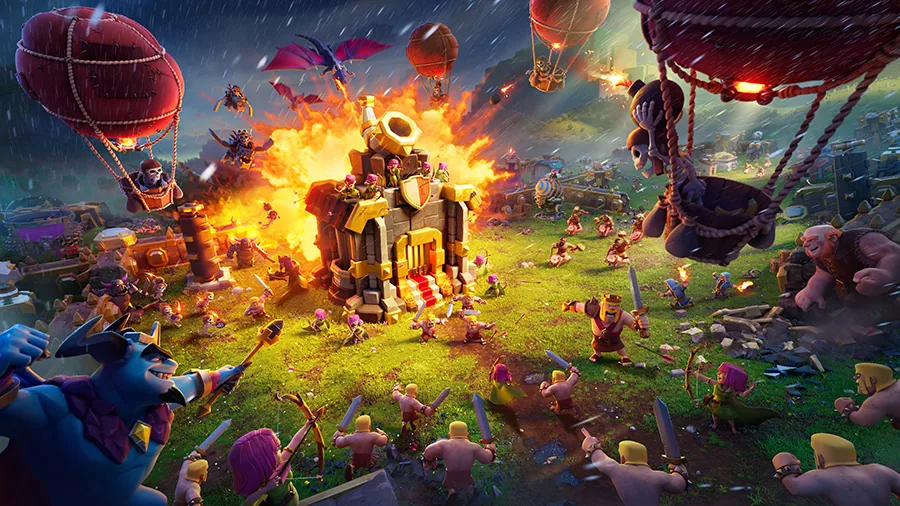
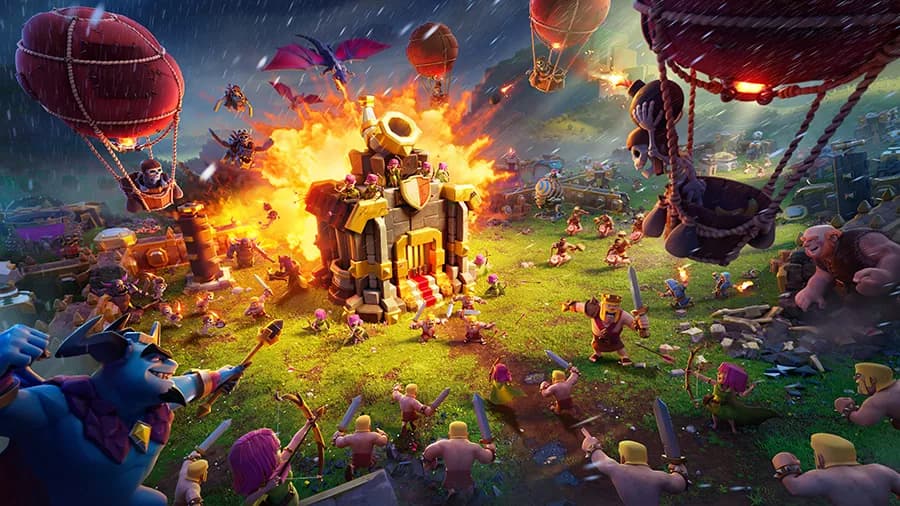
THE CLASH OF TITANS UPDATE IS ROLLING OUT header image
Image: supercell.com
News.gg Patch Notes Engine • Clash of Clans

Latest Clash of Clans patch notes

A short excerpt of the newest official note, in the same format News.gg posts to Discord. Captured November 24, 2026; the full notes are on supercell.com.

THE CLASH OF TITANS UPDATE IS ROLLING OUT header image from supercell.com
supercell.com

THE CLASH OF TITANS UPDATE IS ROLLING OUT

Fresh off the line. Safety inspection pending. The Builders have been busy down at the Titan Foundry, and the first thing rolling off the assembly line is Town Hall 19. The break room is restocked with new Magic Snacks, the Star Bonus is getting a full…

Fresh off the line. Safety inspection pending.

  • The Builders have been busy down at the Titan Foundry, and the first thing rolling off the assembly line is Town Hall 19. The break room is restocked with new Magic…
  • Let’s break down everything coming this update.

Town Hall 19

  • Dark body, metallic accents, and zero complaints filed with the Builders. Town Hall 19 is built to stand out.

Town Hall Troops

  • For the first time ever, your Town Hall can now be occupied and customized by troops of your choice, and they will even come out to defend your Town Hall when it is…
  • 3 customization options are available at launch: Barbarian, Archer, or Wizard (you can also keep the original look if you like)
  • Everyone starts with the Barbarian option

Squads

  • Nobody fights alone. Squads are fixed groups of troops that deploy together with one tap, and they give you more troops per housing space than deploying them one by one.
  • Squads are available at Town Hall 8 and above
  • Unlock Squads by building and upgrading the Squad Barracks. It has 12 levels, and gains 1 maximum level per Town Hall, from Town Hall 8 through Town Hall 19. Each level…
Read the full Clash of Clans notes on supercell.com

How to post Clash of Clans patch notes in Discord

  1. Invite News.gg to a server you manage. Run /setup in that server if you want to start the general News.gg onboarding wizard.
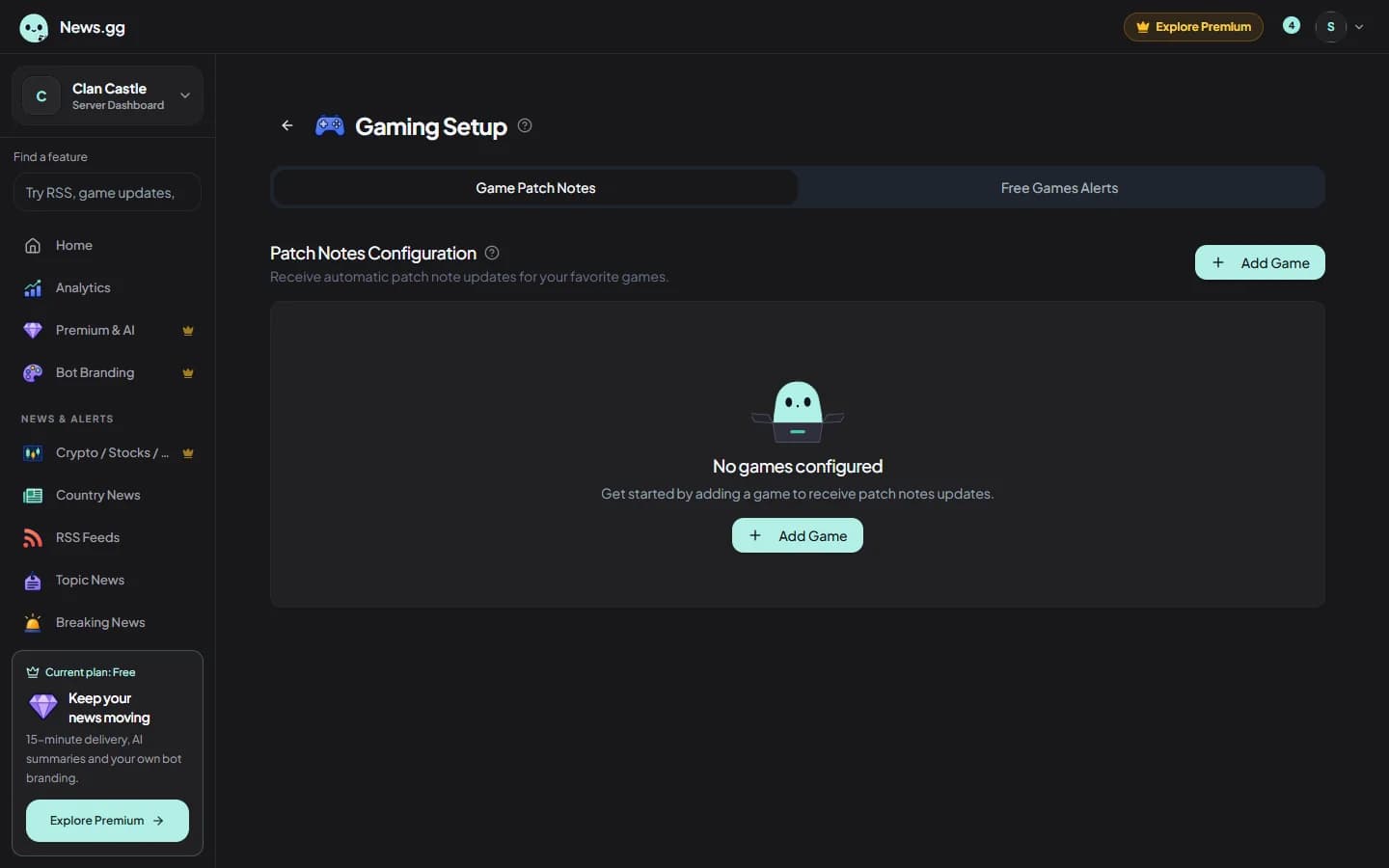
  2. Open your server in the News.gg dashboard. Go to Patch Notes & Free Games, select Game Patch Notes, then click Add Game.
  3. Search for Clash of Clans, select the game, and choose a text channel such as #coc-updates. Allow the bot to send messages and embed links, then save.
  4. News.gg posts the current notes once so you can check the channel, then posts each new Clash of Clans note as it is published.
/setup
News.gg dashboard Gaming Setup page with the Game Patch Notes tab and the Add Game button, before adding Clash of Clans
Step 2. Gaming Setup: the Game Patch Notes tab and the Add Game button.
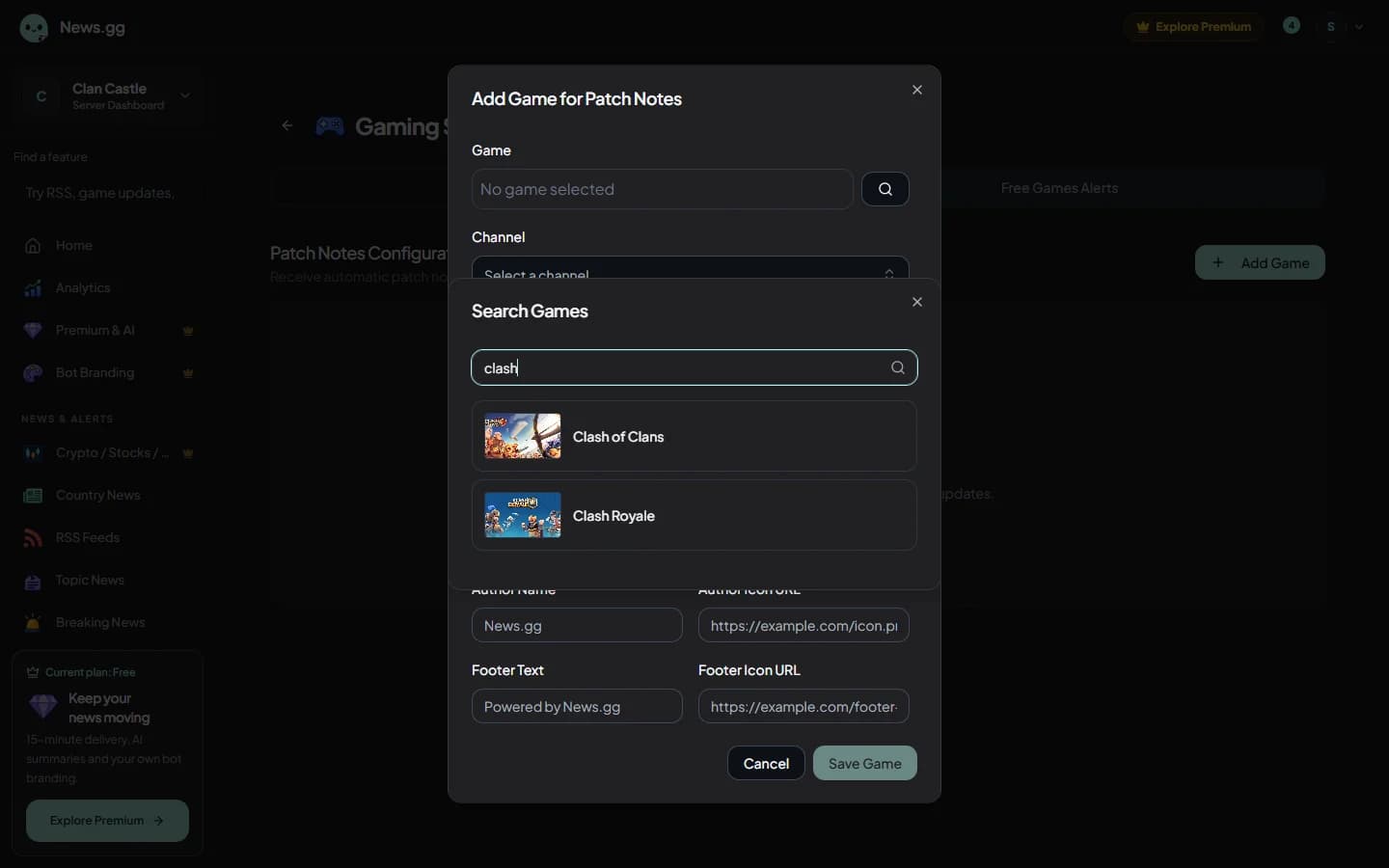
Search Games dialog in the News.gg dashboard with Clash of Clans typed in and matching results
Step 3. Search for Clash of Clans and pick it from the results.
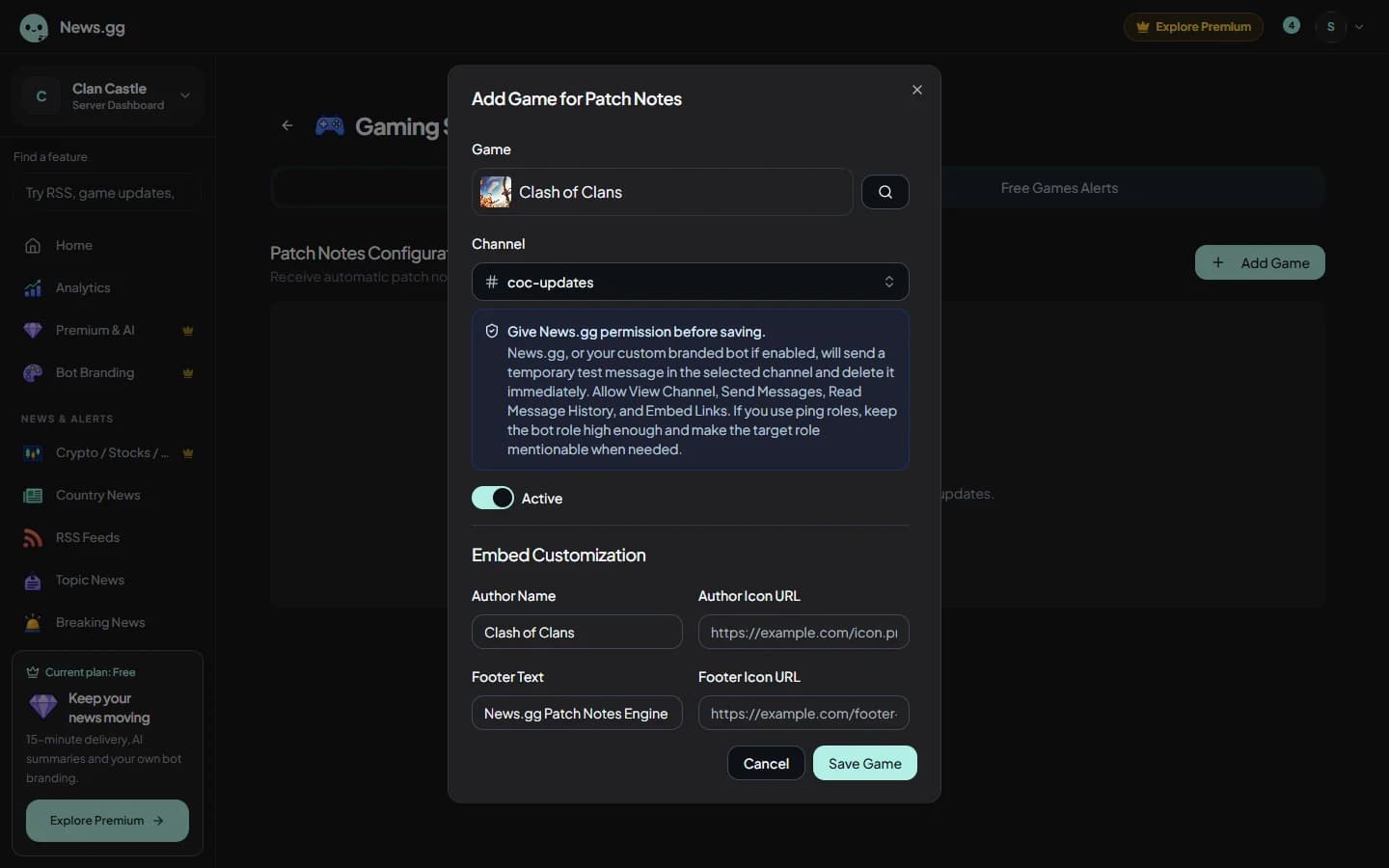
Add Game for Patch Notes form with Clash of Clans, a Discord channel, the active toggle and embed options filled in
Step 4. Choose the channel, then optionally change the author and footer. The embed color and a ping role are further down the form.
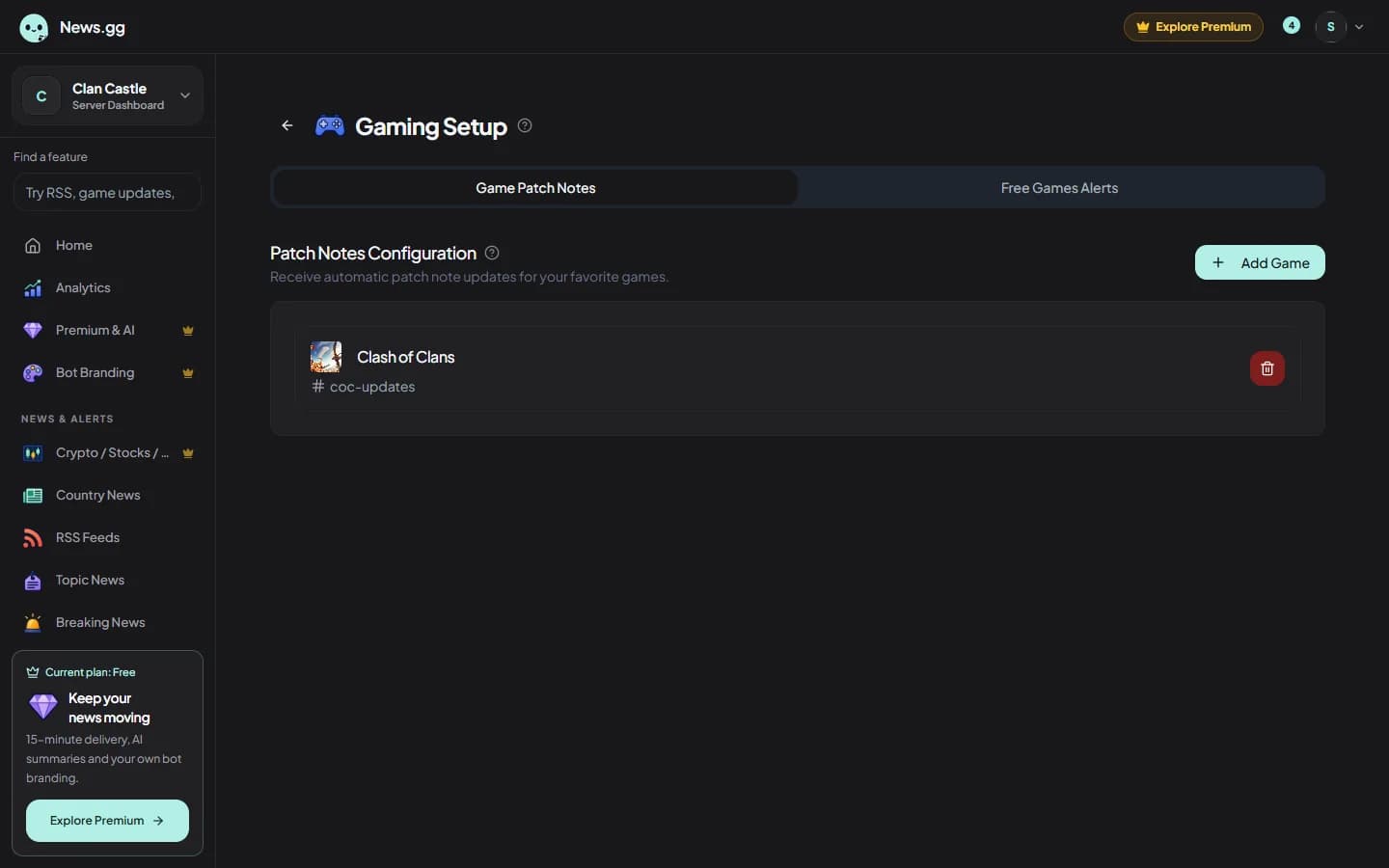
Game Patch Notes list in the News.gg dashboard showing Clash of Clans configured with its channel
Step 5. Clash of Clans appears in the list, where you can edit or remove it.

Official Clash of Clans update source

The Clash of Clans feed posts release notes and balance-change articles from the official Supercell blog. Spotlights and community posts are skipped.

Clash of Clans blog from Supercell

Keep your patch channel useful

Clan leaders can point the feed at a channel the whole clan reads, so upgrades and balance changes are seen before the next war.

Clash of Clans patch notes bot FAQ

How often does News.gg check for new Clash of Clans patch notes?

Every 30 minutes. News.gg reads the official Clash of Clans source and posts a note the first time it sees it, so each patch is posted once.

Where do the Clash of Clans patch notes come from?

The Clash of Clans feed posts release notes and balance-change articles from the official Supercell blog. Spotlights and community posts are skipped. Every post links to the full notes on the publisher's site.

Will it post anything as soon as I save?

Yes. When you save the game, News.gg posts the current notes once so you can check the channel and permissions. After that it only posts new notes.

Can I change how the Discord post looks?

Yes. The Add Game form lets you set the embed color, the author name and icon, and the footer text and icon for each game.

Do game patch notes need Premium?

No. You can add games for patch notes without Premium. Free game alerts, on the same dashboard page, are a Premium feature.