Community subreddit
Mirror your own subreddit into Discord so members see new threads in both places.
Reddit publishes an RSS feed for every public subreddit, user, and search. Add one to News.gg and new posts land in the Discord channel you pick.
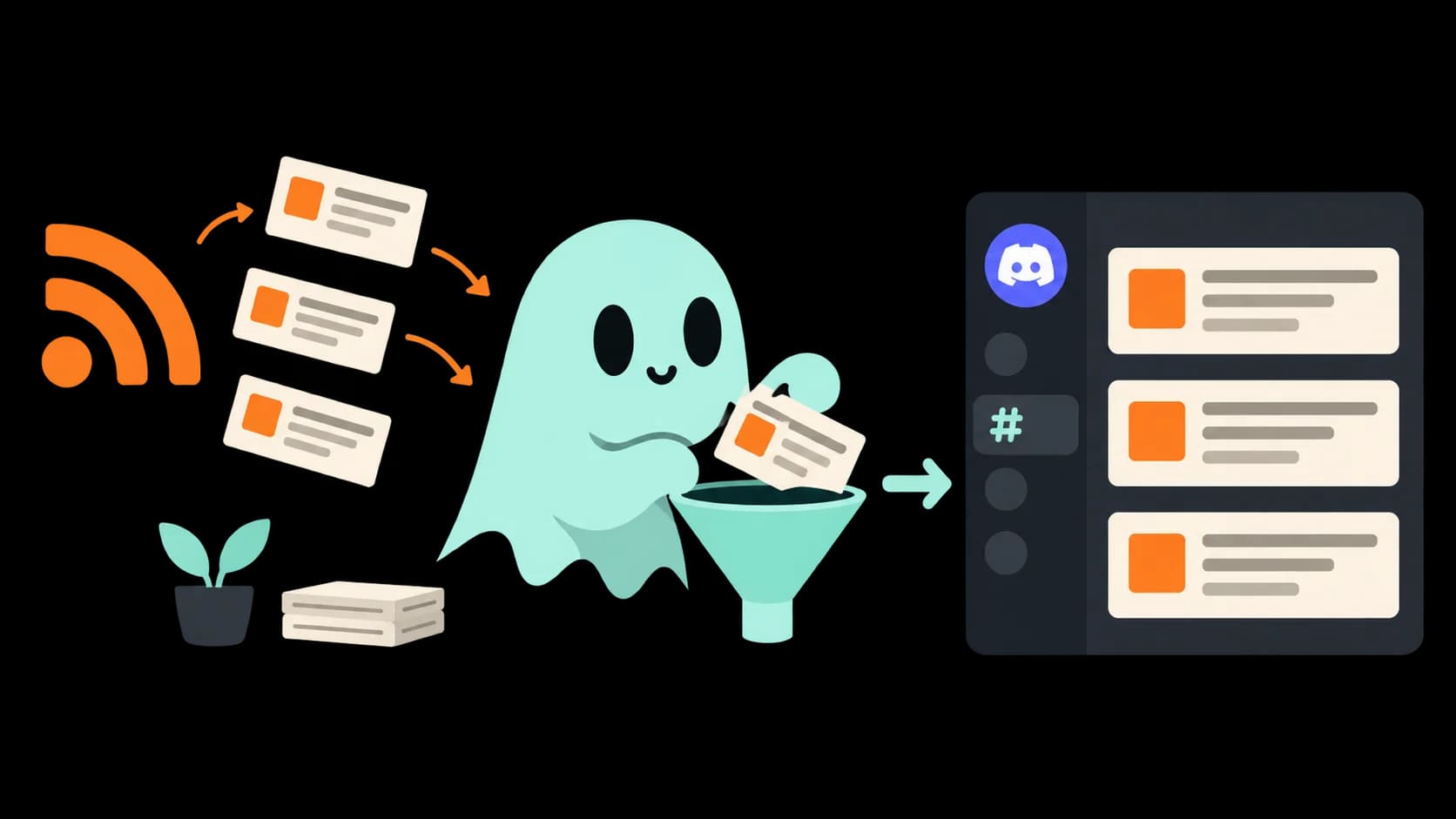
Choose exactly what reaches your server, where it appears, and who gets notified.
Mirror your own subreddit into Discord so members see new threads in both places.
Follow a niche subreddit for news, deals, releases, or leaks.
Track a keyword across a subreddit with a search .rss link.
On Premium, block words that mark meme or off-topic threads so they never reach the channel.
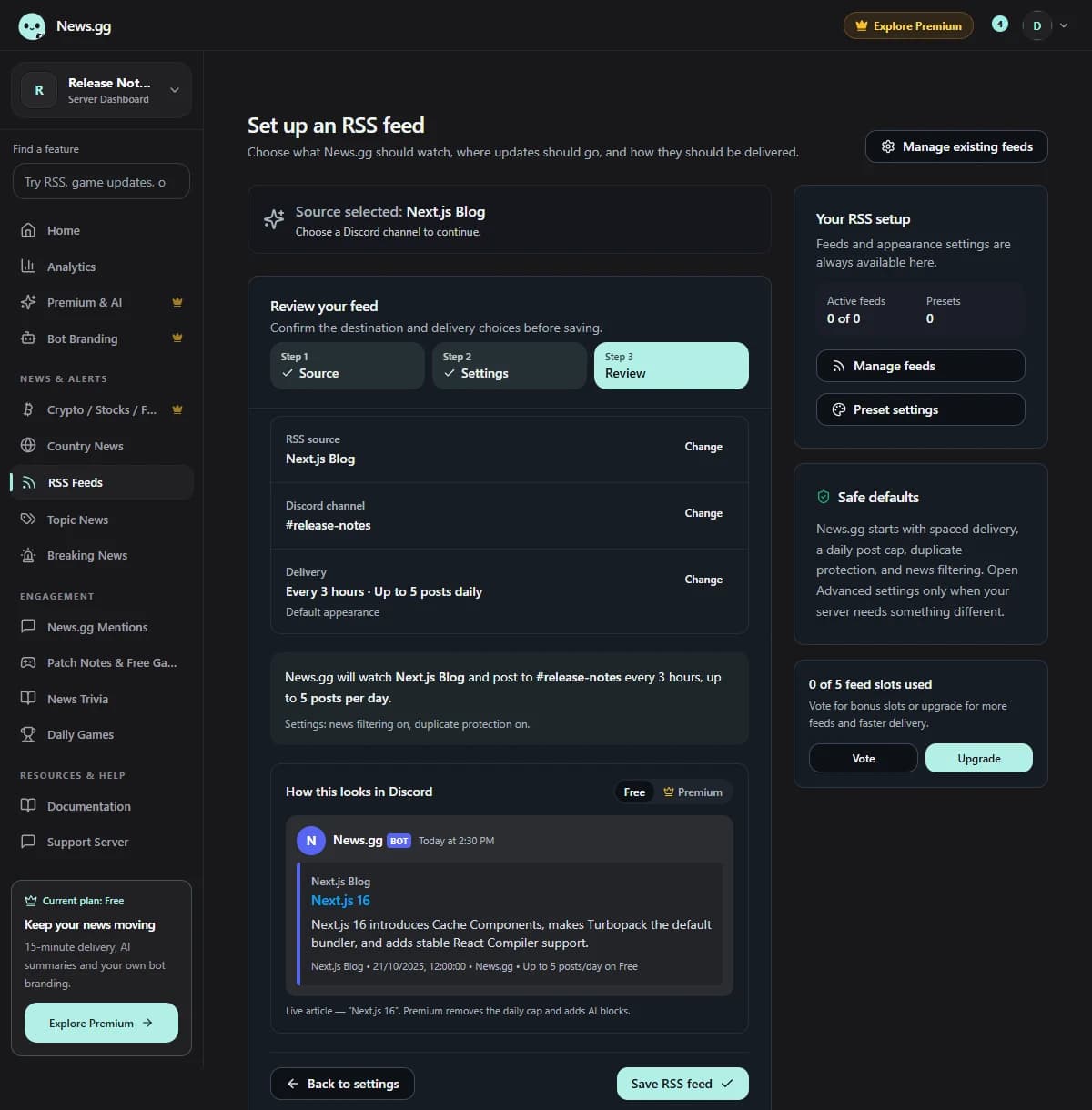
The last step of RSS setup shows the source, the channel, the delivery schedule and how the post will look in Discord. On the free plan the counter shows how many of your five feed slots are left.
Free feeds post at most every three hours, and up to 500 articles a month. Premium adds 15-minute delivery, up to 1,000 feeds, AI summaries and translation, blocked-keyword filters, and Website to RSS. See what Premium adds
Add .rss to the subreddit address, for example https://www.reddit.com/r/technology/.rss, or /r/technology/new/.rss for newest first.
In the News.gg dashboard, open your server's RSS feeds page, select Add a custom feed, choose Custom URL, and paste the link.
Pick the Discord channel, set the interval and an optional role ping, and save the feed.
Searches use /r/<name>/search.rss?q=<term>&restrict_sr=1 and users use /user/<name>/.rss.
A sorted or search feed narrows what posts, and Premium blocked keywords drop the rest.
The same thread is not posted twice when it moves around the listing.
No. Reddit only serves RSS for public subreddits, users, and searches.
Use a sorted feed such as /r/<name>/top/.rss?t=day. On Premium you can also block keywords.
Free intervals start at three hours. Premium lowers the interval to 15 minutes.
Yes. Every Discord server gets five RSS feeds on the free plan, or eight while the Top.gg vote perk is active. No credit card is needed. Free feeds post at most every three hours; Premium lowers the interval to 15 minutes.

Add News.gg to a server you manage, then run /setup to choose sources and a channel.