Clash Royale icon

Clash Royale Patch Notes Discord Bot

Post Clash Royale release notes, new seasons and balance changes to Discord from the official Supercell blog.

Latest official note: New Season: King vs. King! ·

clash-royale-updatesLatest post
News.ggAPP
Clash Royale

🎮 Clash Royale - New Season: King vs. King!

Playtime is OVER! This season is all about competition, giving you new ways to compete, with new tournament features, challenges, and… maybe something more? Here’s what's coming: New Evolutions…

New Evolutions
• Giant Evolution: Aura so strong he enrages all around him! • This big lug still targets buildings, and is great as the front liner of a push, but let him take enough…
November 9th – December 7th
• Did you know that Hog Rider isn’t the only win condition in Clash Royale? A shocking revelation, we know… but… • From Week 2, you'll have the chance to try out a different set of boosted win conditions each week (not…
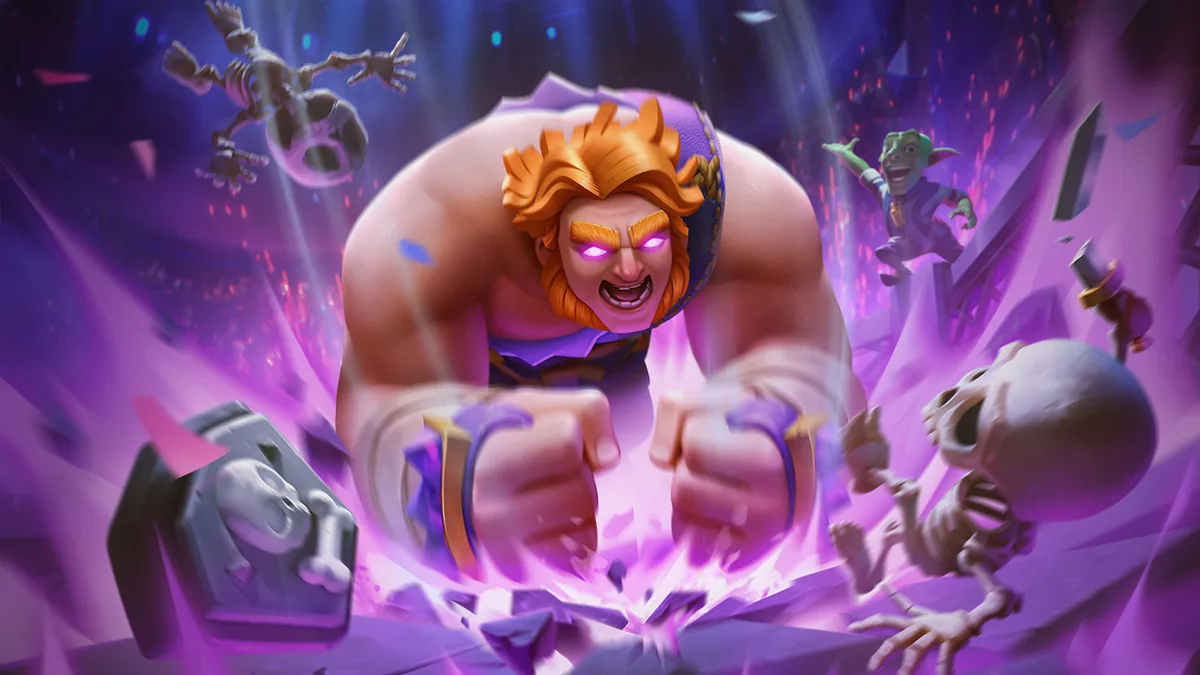
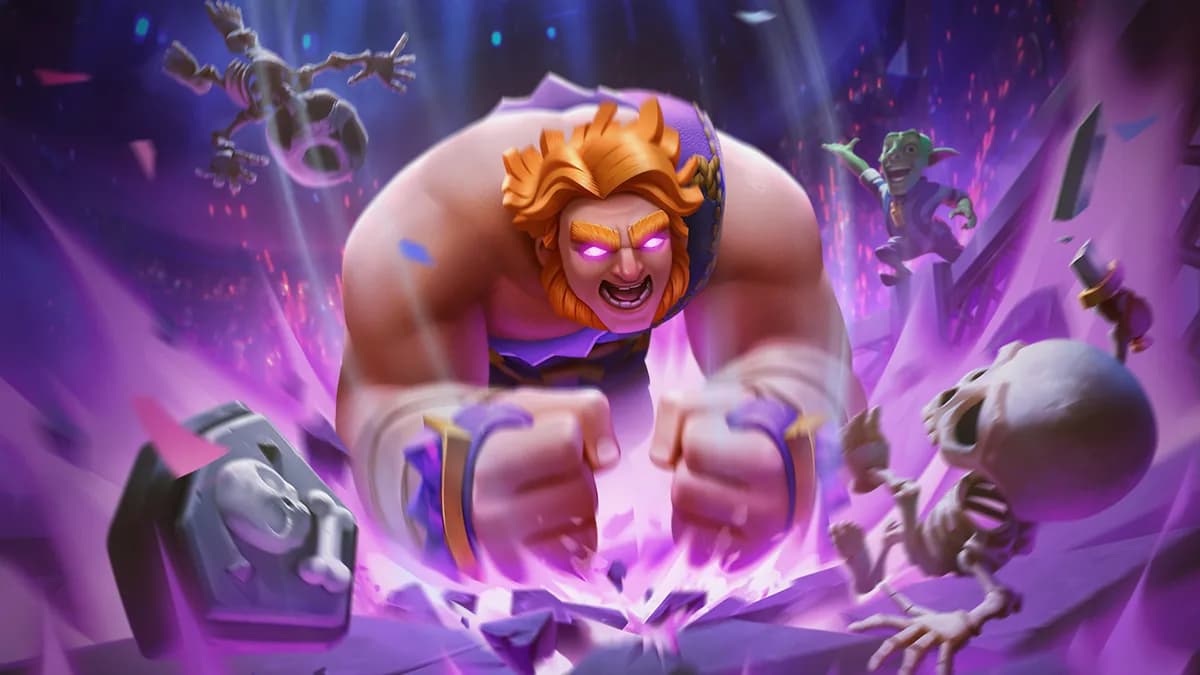
New Season: King vs. King! header image
Image: supercell.com
News.gg Patch Notes Engine • Clash Royale

Latest Clash Royale patch notes

A short excerpt of the newest official note, in the same format News.gg posts to Discord. Captured November 24, 2026; the full notes are on supercell.com.

New Season: King vs. King! header image from supercell.com
supercell.com

New Season: King vs. King!

Playtime is OVER! This season is all about competition, giving you new ways to compete, with new tournament features, challenges, and… maybe something more? Here’s what's coming: New Evolutions: Giant and Mirror Win Condition Mastery Event Daily Puzzles Royal…

New Evolutions

  • Giant Evolution: Aura so strong he enrages all around him!
  • This big lug still targets buildings, and is great as the front liner of a push, but let him take enough damage and the gentle Giant is no more! Giant becomes enraged…
  • The longer you keep him alive, the stronger your push can get.

November 9th – December 7th

  • Did you know that Hog Rider isn’t the only win condition in Clash Royale? A shocking revelation, we know… but there are lots of other cards that can help you get…
  • From Week 2, you'll have the chance to try out a different set of boosted win conditions each week (not including Giant or Mirror, both which will be boosted for the…
  • Week 2: Battle Ram, Hog Rider, Mortar, Minion Giant, Goblin Barrel

Daily Puzzles

  • Each day, from November 2nd – 8th, a new puzzle will appear with a unique scenario for you to solve.
  • Each puzzle gives you different card combinations, with a minimum of 1 and a maximum of 4 cards in your deck, that you must use to win against the cards that are played…
  • These puzzles are not about rewards, but about skill and bragging rights for the one who solves each puzzle in the fewest amount of attempts. See if you have the skill…

November 9th – December 7th

  • The Royals have put up a market and have enough rewards to spoil the masses! Items and cosmetics of all kinds will be available for you in exchange for Crown Tokens.
  • Crown Tokens are a limited-time currency earned through events, and in the Shop.
  • The market is fully open from Week 2 of the season, with the most coveted items unlocked after you spend 3,000 Crown Tokens.
Read the full Clash Royale notes on supercell.com

How to post Clash Royale patch notes in Discord

  1. Invite News.gg to a server you manage. Run /setup in that server if you want to start the general News.gg onboarding wizard.
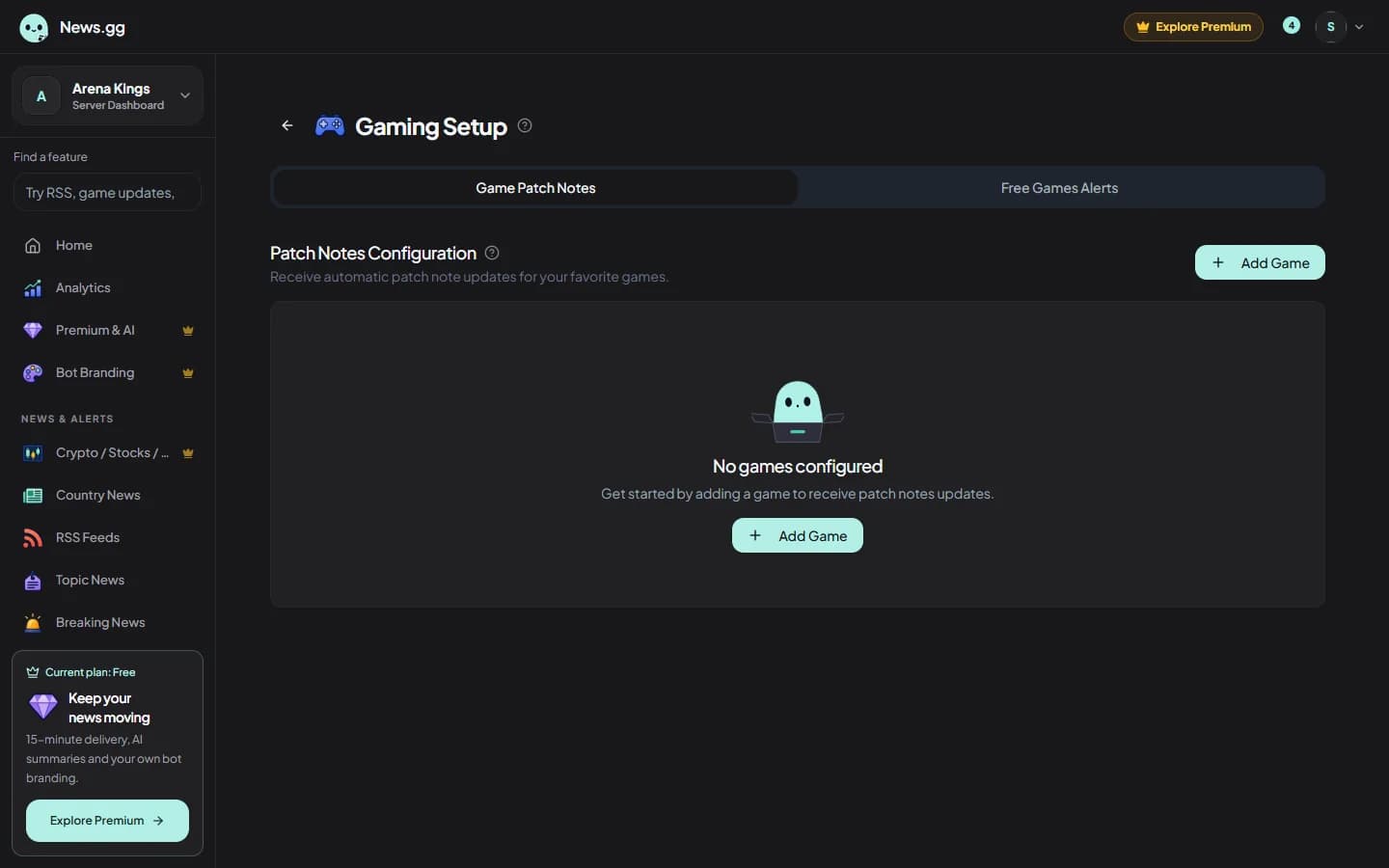
  2. Open your server in the News.gg dashboard. Go to Patch Notes & Free Games, select Game Patch Notes, then click Add Game.
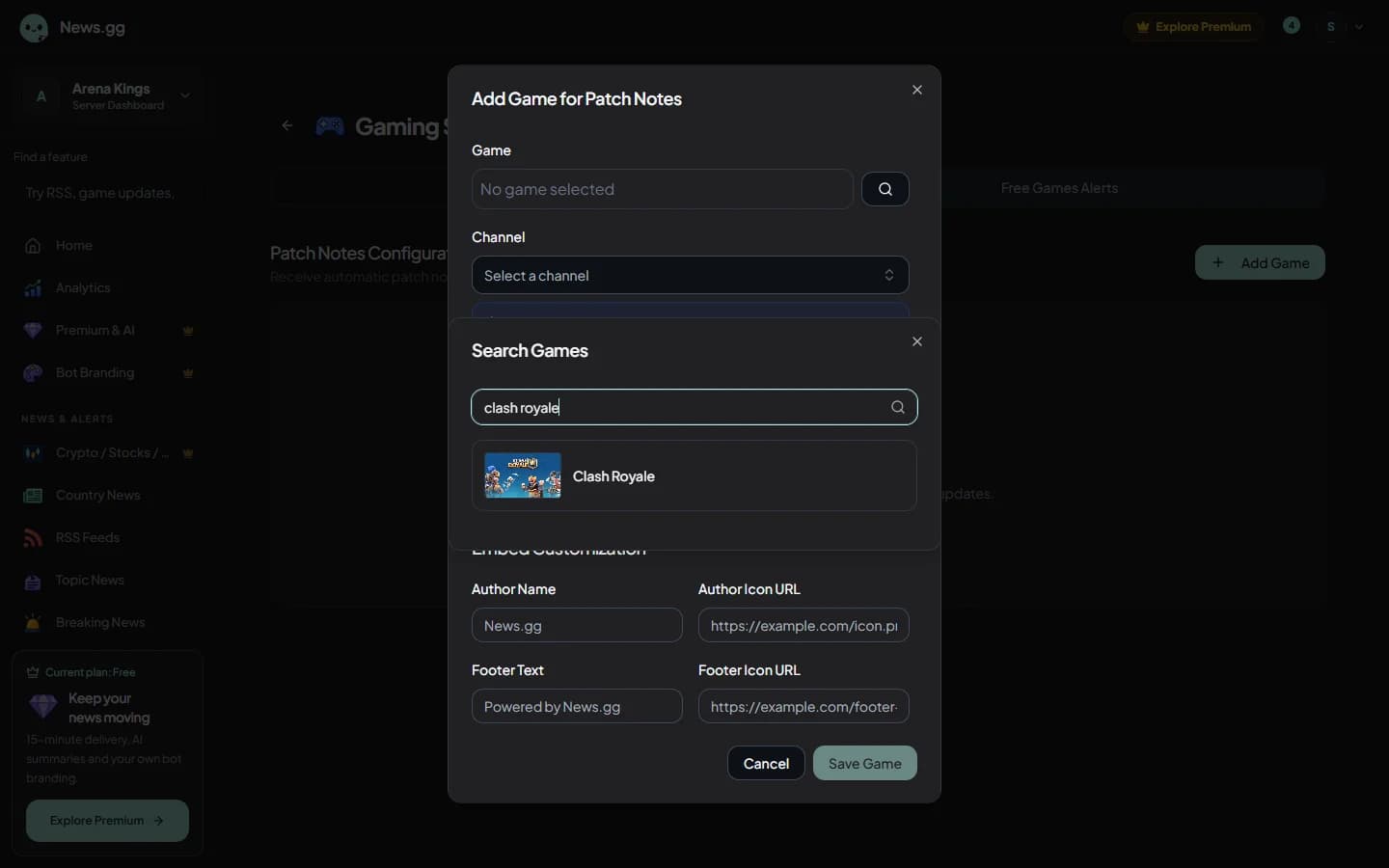
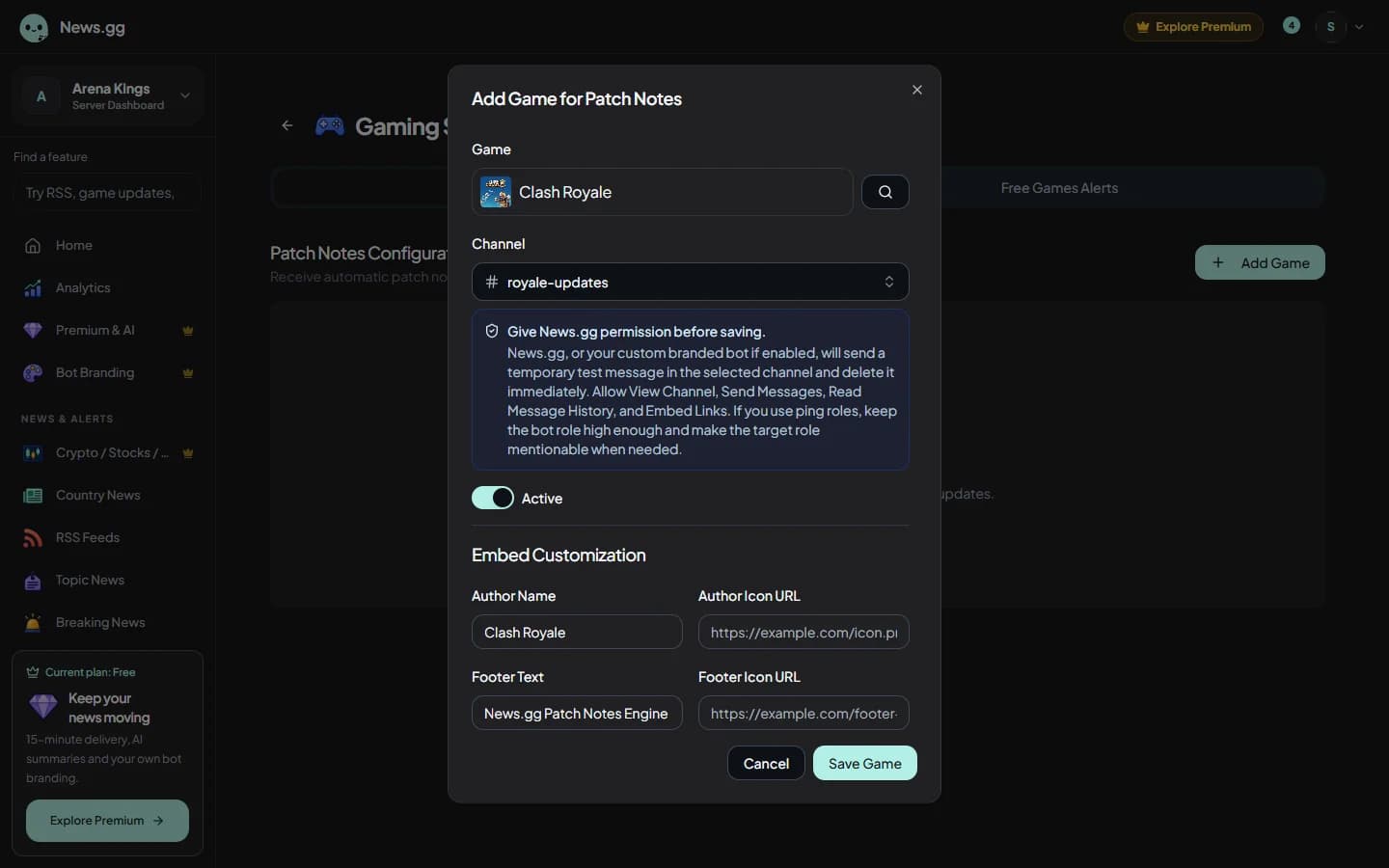
  3. Search for Clash Royale, select the game, and choose a text channel such as #clash-royale-updates. Allow the bot to send messages and embed links, then save.
  4. News.gg posts the current notes once so you can check the channel, then posts each new Clash Royale note as it is published.
/setup
News.gg dashboard Gaming Setup page with the Game Patch Notes tab and the Add Game button, before adding Clash Royale
Step 2. Gaming Setup: the Game Patch Notes tab and the Add Game button.
Search Games dialog in the News.gg dashboard with Clash Royale typed in and matching results
Step 3. Search for Clash Royale and pick it from the results.
Add Game for Patch Notes form with Clash Royale, a Discord channel, the active toggle and embed options filled in
Step 4. Choose the channel, then optionally change the author and footer. The embed color and a ping role are further down the form.
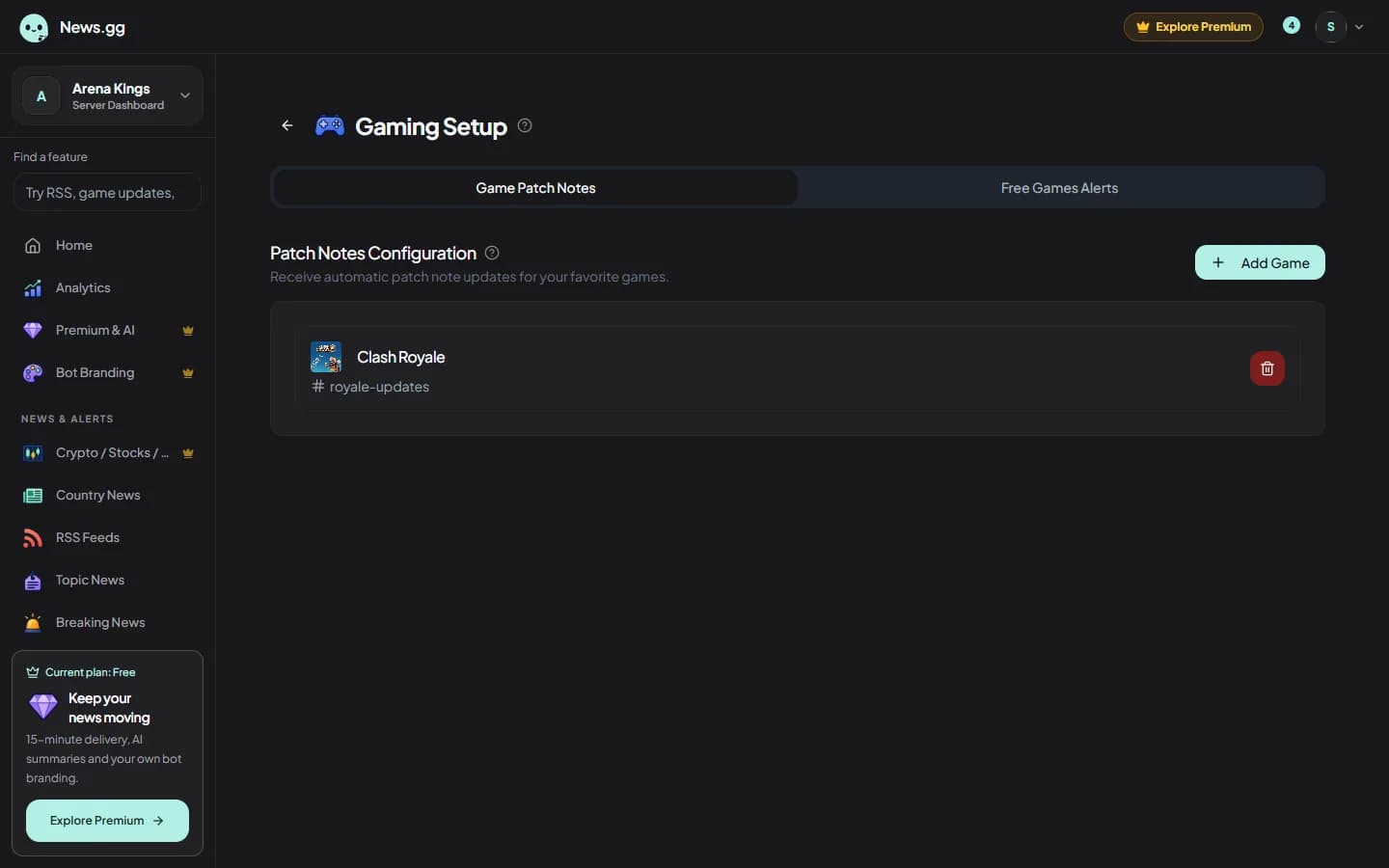
Game Patch Notes list in the News.gg dashboard showing Clash Royale configured with its channel
Step 5. Clash Royale appears in the list, where you can edit or remove it.

Official Clash Royale update source

The Clash Royale feed posts release notes and balance-change articles from the official Supercell blog, including new season launches.

Clash Royale blog from Supercell

Keep your patch channel useful

Balance changes affect which decks are worth playing, so a channel your clan checks before ladder or tournaments works well.

Clash Royale patch notes bot FAQ

How often does News.gg check for new Clash Royale patch notes?

Every 30 minutes. News.gg reads the official Clash Royale source and posts a note the first time it sees it, so each patch is posted once.

Where do the Clash Royale patch notes come from?

The Clash Royale feed posts release notes and balance-change articles from the official Supercell blog, including new season launches. Every post links to the full notes on the publisher's site.

Will it post anything as soon as I save?

Yes. When you save the game, News.gg posts the current notes once so you can check the channel and permissions. After that it only posts new notes.

Can I change how the Discord post looks?

Yes. The Add Game form lets you set the embed color, the author name and icon, and the footer text and icon for each game.

Do game patch notes need Premium?

No. You can add games for patch notes without Premium. Free game alerts, on the same dashboard page, are a Premium feature.