Brand and company mentions
Follow coverage of your project, studio, team, or company.
Google News offers RSS feeds for searches and topics. Paste one into News.gg and matching stories post to Discord, linked to the publisher's own article rather than a Google redirect.
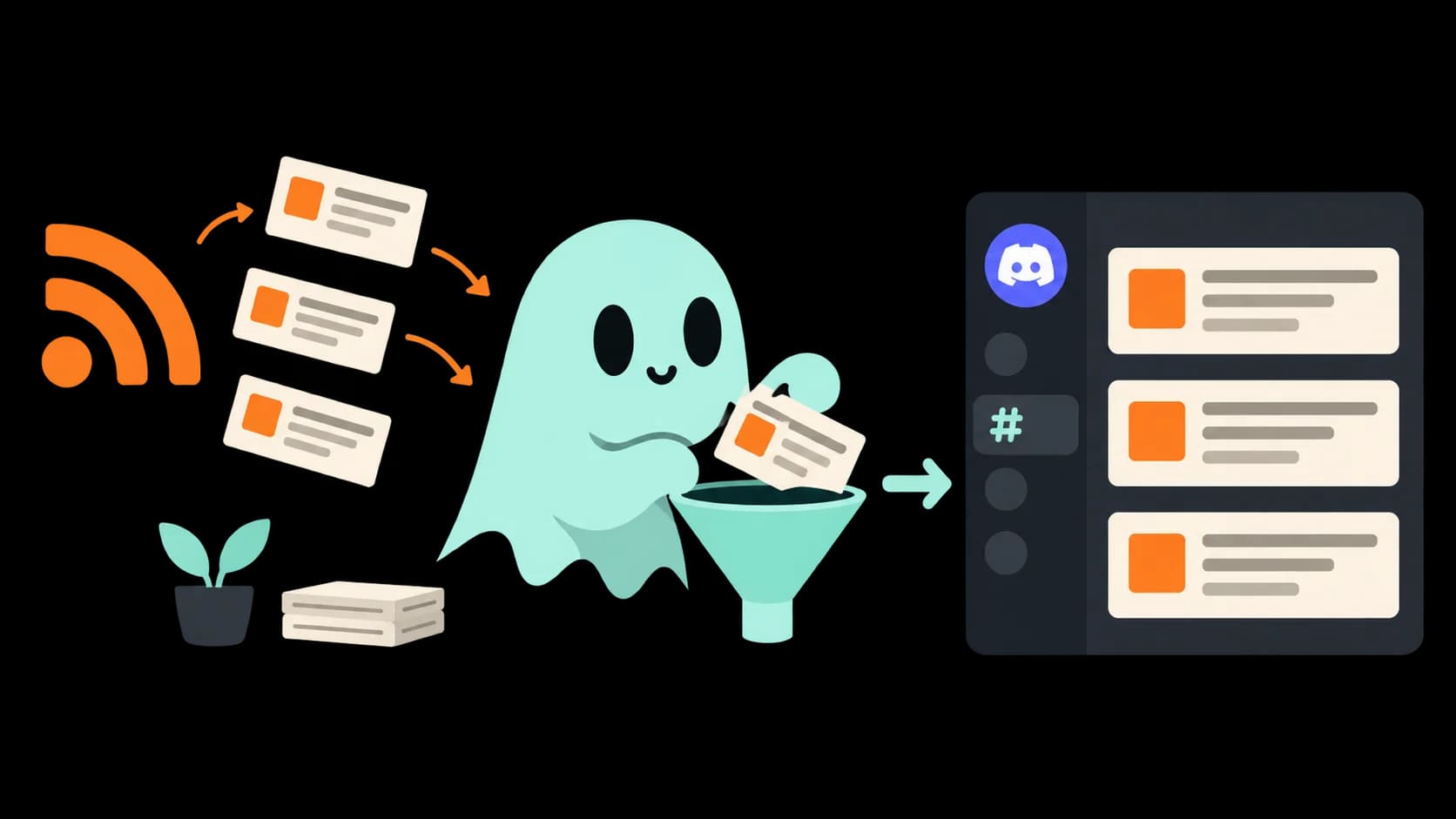
Choose exactly what reaches your server, where it appears, and who gets notified.
Follow coverage of your project, studio, team, or company.
Run a channel for a subject such as AI, elections, or a specific league.
Change the language and region parameters to follow local coverage.
Add -word to the search to drop stories, or block keywords per feed on Premium.
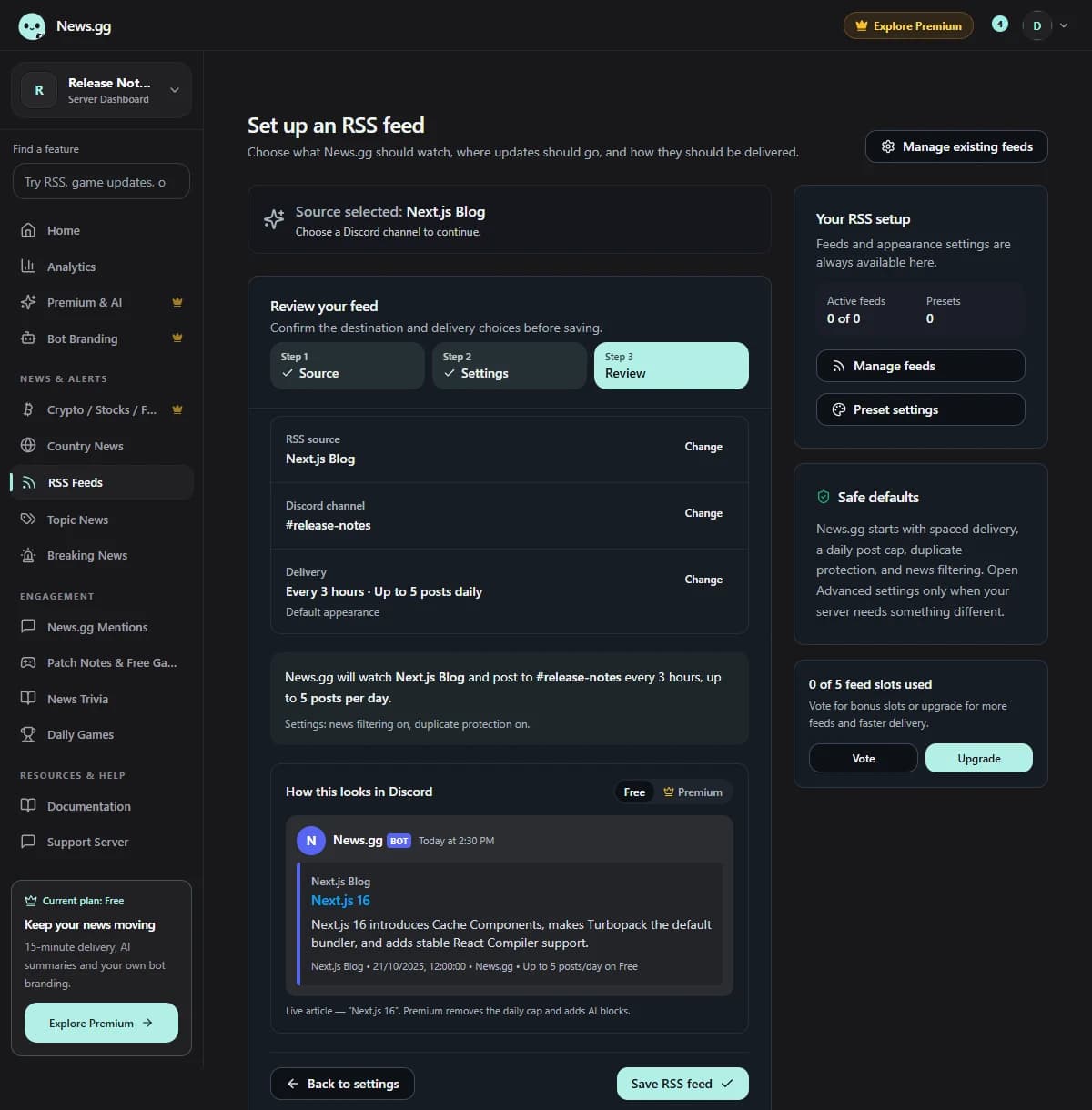
The last step of RSS setup shows the source, the channel, the delivery schedule and how the post will look in Discord. On the free plan the counter shows how many of your five feed slots are left.
Free feeds post at most every three hours, and up to 500 articles a month. Premium adds 15-minute delivery, up to 1,000 feeds, AI summaries and translation, blocked-keyword filters, and Website to RSS. See what Premium adds
Use https://news.google.com/rss/search?q=<your+keywords>&hl=en-US&gl=US&ceid=US:en and replace the keywords.
In the News.gg dashboard, open your server's RSS feeds page, select Add a custom feed, choose Custom URL, and paste the link.
Choose the Discord channel, interval, and optional role ping, then save.
Search syntax such as "exact phrase", OR, and -excluded words works inside the q parameter.
News.gg resolves Google News links so members open the source article directly.
Posts include the story's image where the publisher provides one.
No. Google News RSS feeds are public URLs you can paste straight into the dashboard.
Yes. Change hl, gl, and ceid in the feed URL to the language and region you want.
Duplicate protection stops the same link from being posted again in that feed.
Yes. Every Discord server gets five RSS feeds on the free plan, or eight while the Top.gg vote perk is active. No credit card is needed. Free feeds post at most every three hours; Premium lowers the interval to 15 minutes.

Add News.gg to a server you manage, then run /setup to choose sources and a channel.