Your own newsletter
Announce each new issue to your Discord community without copying links by hand.
Substack publications and Medium writers both publish RSS feeds. Connect one to News.gg and each new post appears in your Discord server with its title and link.
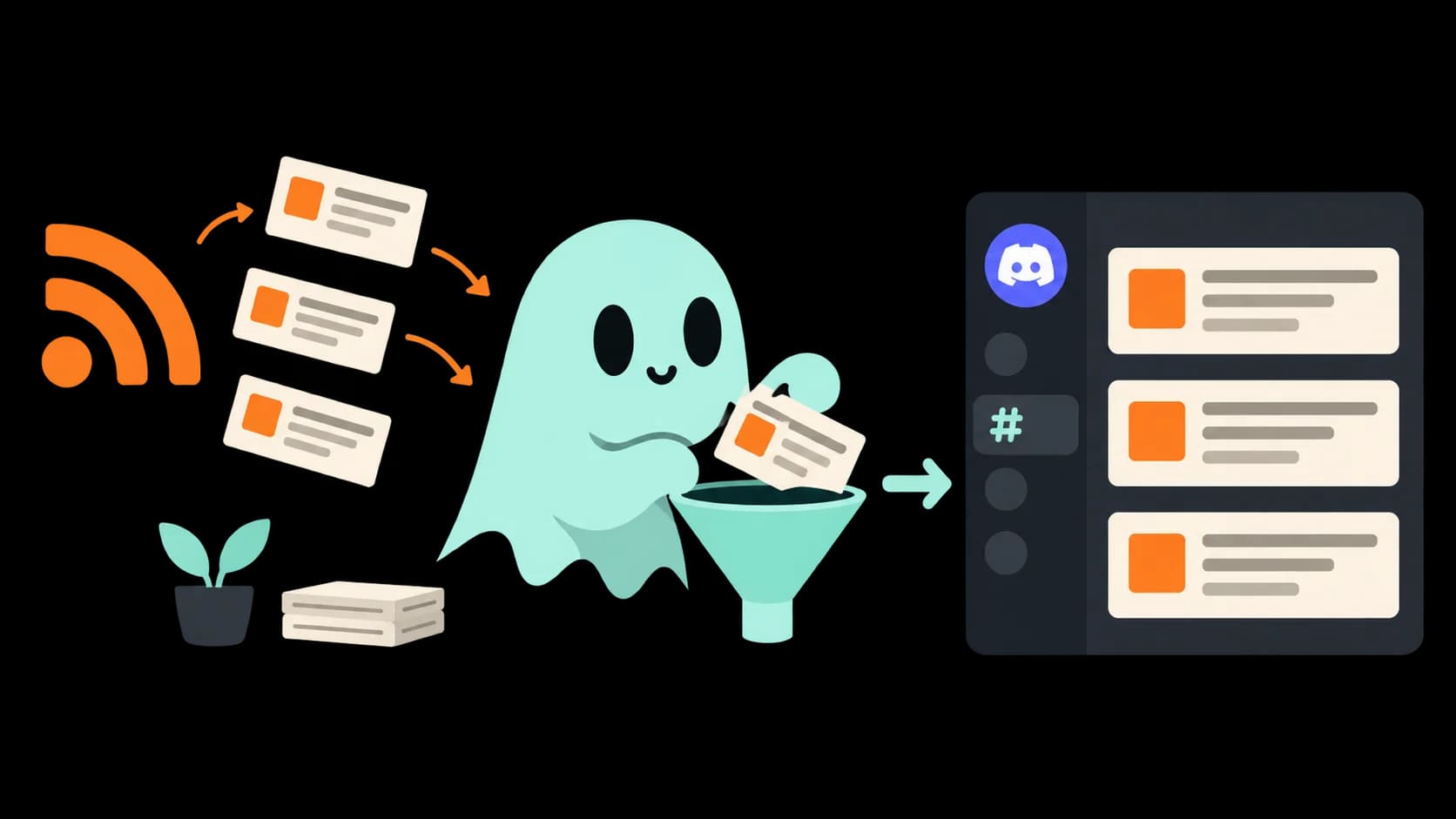
Choose exactly what reaches your server, where it appears, and who gets notified.
Announce each new issue to your Discord community without copying links by hand.
Follow the writers and publications your members discuss.
Track a Medium tag such as programming or design.
Turn on AI summaries on Premium so members can scan before opening.
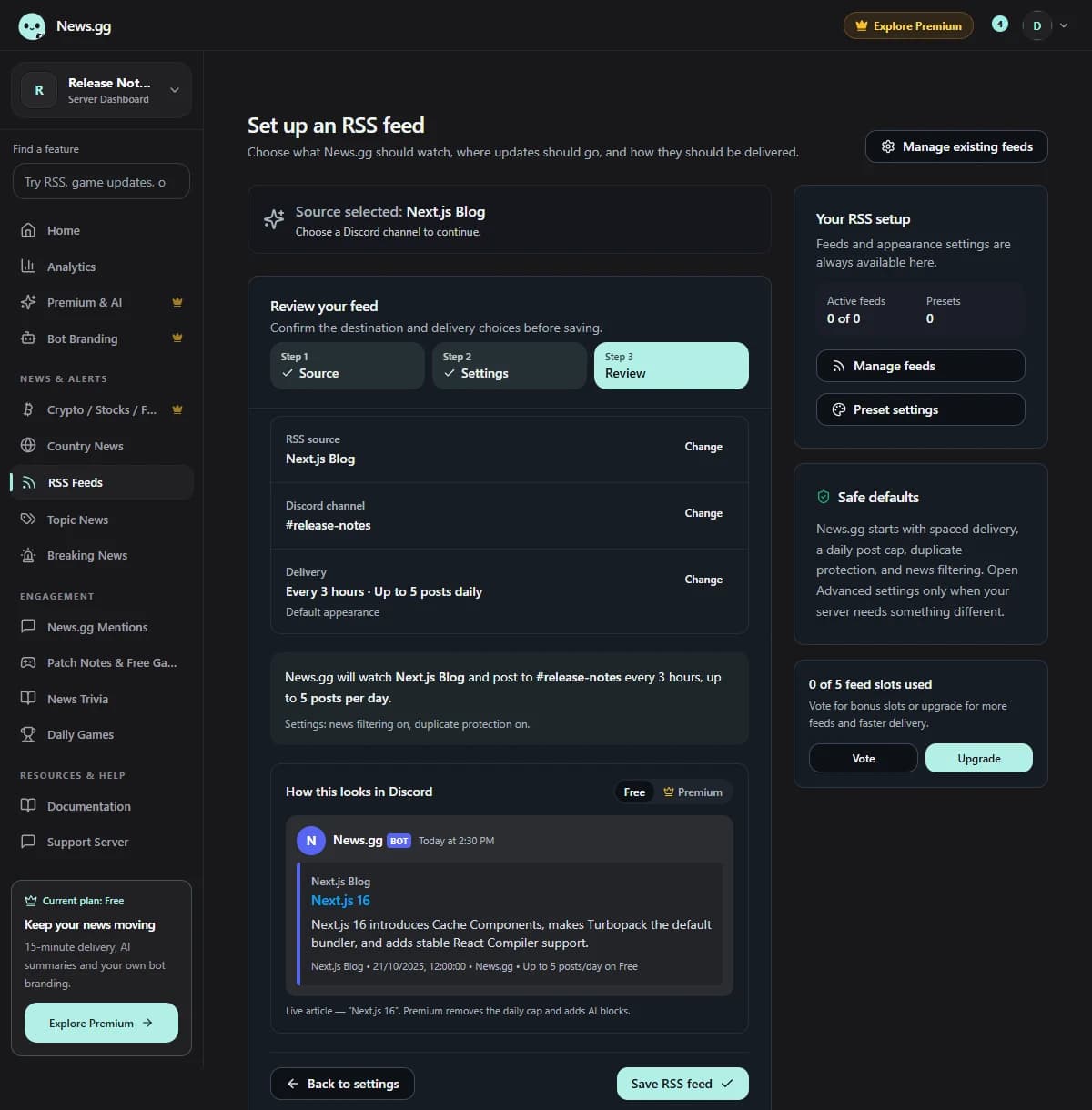
The last step of RSS setup shows the source, the channel, the delivery schedule and how the post will look in Discord. On the free plan the counter shows how many of your five feed slots are left.
Free feeds post at most every three hours, and up to 500 articles a month. Premium adds 15-minute delivery, up to 1,000 feeds, AI summaries and translation, blocked-keyword filters, and Website to RSS. See what Premium adds
Substack: https://<publication>.substack.com/feed. Medium writer: https://medium.com/feed/@<username>. Medium tag: https://medium.com/feed/tag/<tag>.
In the News.gg dashboard, open your server's RSS feeds page, select Add a custom feed, choose Custom URL, and paste the feed.
Pick the Discord channel, interval, and optional role ping, then save the feed.
A Substack on its own domain still serves its feed at /feed, for example https://newsletter.example.com/feed.
Every issue reaches the members already talking about your work.
Posts link to the article itself, so paid readers sign in on the publisher's site as usual.
No. News.gg posts what the public feed contains, usually the title, preview, and link.
Yes. Use https://medium.com/feed/<publication-name> as a Custom URL.
Yes. Any site with an RSS or Atom feed works the same way; WordPress sites usually serve it at /feed.
Yes. Every Discord server gets five RSS feeds on the free plan, or eight while the Top.gg vote perk is active. No credit card is needed. Free feeds post at most every three hours; Premium lowers the interval to 15 minutes.

Add News.gg to a server you manage, then run /setup to choose sources and a channel.